Consent Tool

Coming Soon!
Patient Panel Uploads

The Panel Processor is a portal-based application that allows participating organizations to upload and manage patient panels used to support population health activities and care coordination. These resources provide step-by-step guidance for preparing panel files, using the Panel Processor application, and resolving common upload issues. Covered Topics: Resource Formats: Tip Sheet (PDF) Introduces the background […]
HIE Admin Tool

HIE Administrators play an important role in managing user access to the healthEconnect Alaska HIE Portal and helping ensure their organization remains compliant with HIE participation requirements. This set of resources provide an overview of the HIE Admin role and demonstrates how to use the HIE Admin Tool to perform common administrative tasks, including user […]
Population Explorer

Population Explorer is an encounter notification and review tool within the HIE Portal that provides near real-time visibility into patient encounters across participating facilities. This comprehensive training video condenses our 1-hour training on Population Explorer into just 10 minutes. Covered topics: Resource Formats: Video Condenses 1-hour training session into a comprehensive 10-minute walkthrough How-To Guide […]
Two-Factor Authentication

Two-Factor Authentication (2FA) adds an extra layer of security to your healthEconnect Alaska HIE Portal account by requiring a second verification method during login. These resources provide step-by-step guidance for setting up and using 2FA within the HIE Portal, including a downloadable user guide and a walkthrough video. Covered Topics: Resource Formats: Information Sheet Introduces […]
My Patient Summary

My Patient Summary is a customizable dashboard that allows each portal user to create a personalized view of the information most relevant to their work. Covered topics: Resource Formats: Video Condenses 30-minute session into a comprehensive 5-minute walkthrough How-To Guide (PDF) Provides screenshots and step-by-step directions for using Population Explorer Video:
Participation Guide: Policies & Procedures
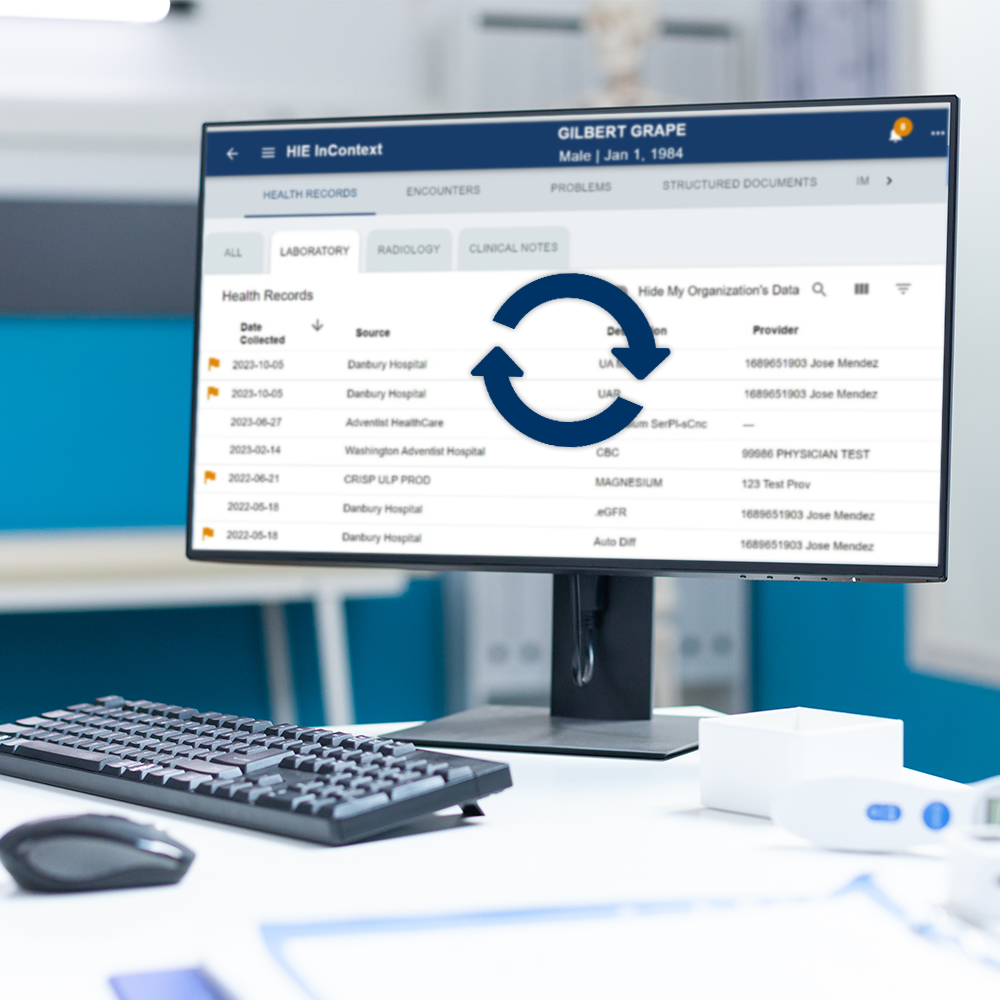
Policies and procedures governing HIE participant privacy, data security, legal compliance, and the responsible access, use, disclosure of information, etc.
Introduction to the HIE Portal
The HIE Portal connects patient information from participating health care organizations across Alaska and beyond, helping providers access the information they need at the point of care. This introductory training video condenses a 45-minute orientation into just 8 minutes and provides a practical overview of portal navigation and core features. Covered topics: Resource Formats: Video […]